Basics
VPN vs Proxy: How They Differ and When Each One Makes Sense

Contents
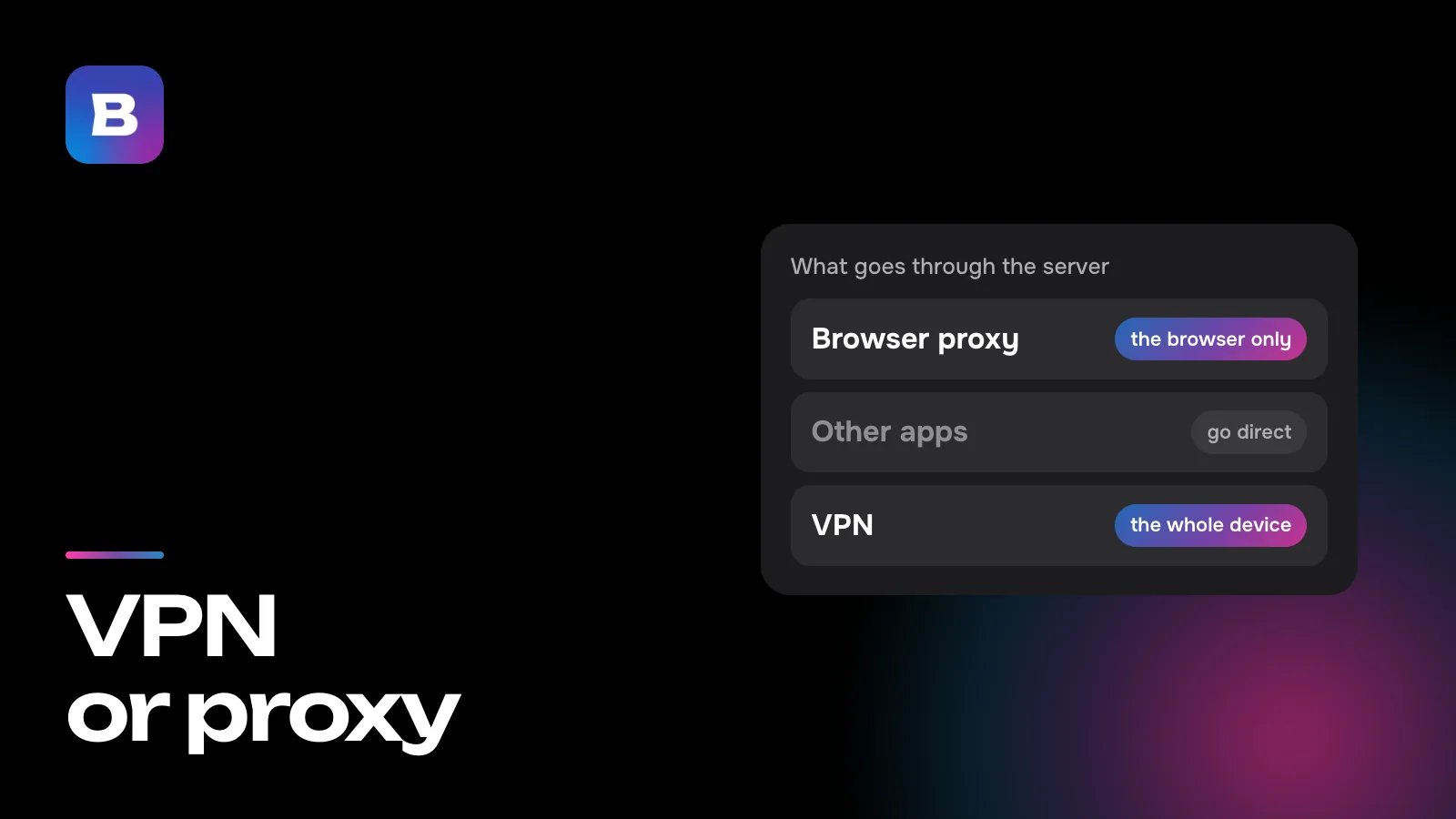
Telegram has a field for a proxy address, so do your browser and your Wi-Fi settings, while a VPN usually comes as a separate app. Both send you online through someone else’s server, so the VPN vs proxy choice can look like a coin toss. It isn’t. A proxy only works where you set it up, in one program or on one network, and it doesn’t always encrypt anything. A VPN takes the traffic of your whole device and encrypts it all the way to the server.
A proxy works for one program at a time
A proxy server is a program running on someone else’s computer. It takes a request from your program, repeats it to the site and passes the answer back to you. You enter the proxy’s address and port in the settings of a browser, a single app or the whole system. A program sends only what it’s set up to send through the proxy, and everything else on the device still connects directly, from your real address.
The word covers several quite different things.
- An HTTP proxy relays web requests. HTTPS sites still work through it, but the stretch between you and the proxy usually isn’t encrypted.
- SOCKS5 can carry more than web pages, as long as the program supports it, and it doesn’t encrypt anything either.
- A transparent proxy is set up by whoever runs an office or campus network. Nobody configures it on their own device, and many people don’t know it’s there while it filters or caches traffic for the whole network.
- An in-app proxy lives in the settings of one program. Telegram works this way. It can use SOCKS5 or its own MTProto proxies, and that setting has no effect on any other app.
A VPN covers the whole device
A VPN plugs into the operating system rather than into a single program. The VPN app adds a virtual network connection to your phone or computer, and the system sends every program’s traffic into it. Photo backups, the app store, your mail client and every browser tab all go through it, and none of them needs its own setup.
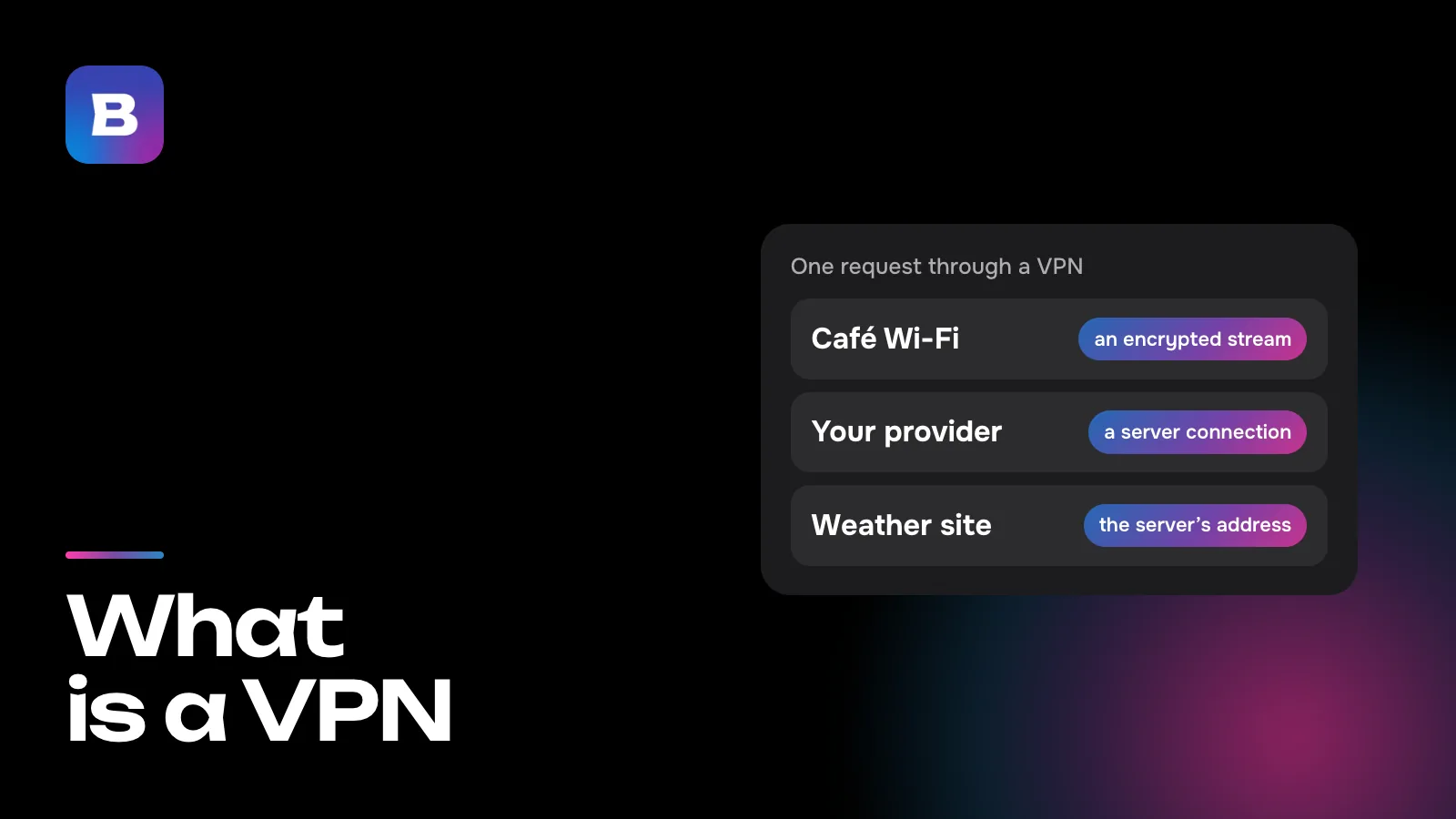
Encryption is part of the connection itself, not a checkbox you might forget to tick. Our explainer on how a VPN works follows a request past your provider and the server and shows what the site ends up seeing.
Encryption and what’s visible on the way
Neither an HTTP proxy nor SOCKS5 adds encryption of its own. Open a page without HTTPS through one, and the Wi-Fi owner, your provider and the proxy can all read it. On HTTPS sites the page content is protected, but the site’s name still travels in the clear, because the proxy has to know where to send the request.
Then there’s DNS. Before opening a site, your device asks which IP address it lives at. With SOCKS5, a program may ask that question outside the proxy, so your provider sees the names of the sites even though the pages themselves go through the middleman. Firefox has sent DNS through SOCKS5 proxies by default since version 128 (2024), but many other programs don’t, so it’s worth checking.
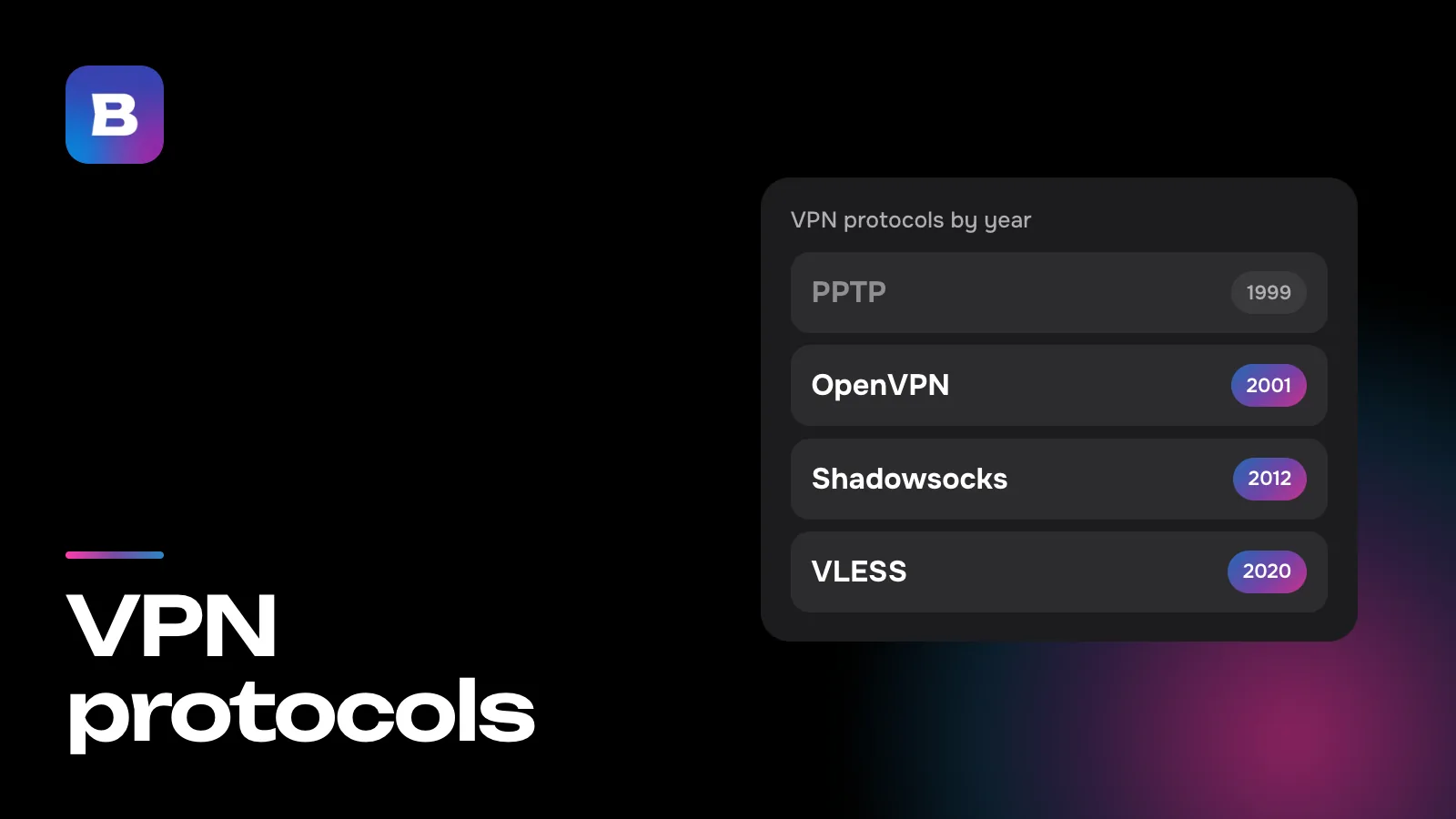
Some proxies do encrypt the link to themselves, such as HTTPS proxies and protocols like Shadowsocks. But that’s a property of one particular service, and the word “proxy” in its description won’t tell you. A modern VPN encrypts the stretch between your device and the server, so all your provider sees is a connection to one server.
Who ends up with your traffic
Every middleman has an owner who can see which sites your requests go to. Proxies and VPNs are the same here. So the technology matters less than the question of whom you trust with those requests.
The riskiest choice is a free public proxy picked from one of the lists that circulate online. Researchers from Greece, Cyprus and the US spent two months probing thousands of open HTTP proxies and presented their results at the NDSS security conference in 2018. They found that 38% of the proxies altered the pages passing through them in some way. Most of the changes were harmless, but 5.15% of the proxies injected ads, added code that tracks visitors or redirected people to pages carrying malware. A list won’t tell you who runs a server like that or how it pays for itself.
Technically, a VPN service sees as much as a proxy’s owner does. The difference is that it’s a company with an app, a support team and terms of use that you choose on purpose, not a random address from a spreadsheet.
What about speed?
Speed depends on the server far more than on the technology. An overloaded free proxy on another continent will almost certainly lose to a VPN with a nearby server, while a decent proxy in a neighboring country is barely noticeable. VPN encryption takes time too, but on today’s phones and laptops it’s tiny compared with the delay distance adds.
What you’ll notice more is scope. A proxy only touches the program you set it up in, so a slow proxy slows down one browser. A VPN takes all of your traffic, and if the server is far away, everything slows down at once, including things you never meant to send through it. Picking a nearby country and setting up exceptions takes care of that, as described below.
Four everyday situations
A site is blocked by your provider
If the block works by the site’s address, a proxy set up in your browser will get you through. But a filter that inspects traffic can see the site’s name inside an unencrypted proxy connection and block that as well. And the same service’s app on your phone won’t know about the proxy in your browser. Through a VPN, both the browser and the apps get through.
Free Wi-Fi at a hotel or train station
This is a job for a VPN. A browser proxy does nothing for your email, your messengers or whatever runs in the background. With a VPN, the hotspot’s owner only sees your device talking to one server and has no idea which services you use.
One service needs a different country
Say you’re traveling and need a site that only works for visitors from a certain country. If it opens in a browser, a proxy in that country will do. If it’s an app on your phone or TV, it’s simpler to turn on a VPN and pick that country.
Messaging, gaming and calls
Games and voice calls often send data over UDP, and an HTTP proxy only relays regular TCP connections. SOCKS5 supports UDP on paper, but few programs use it that way, and many ignore the system’s proxy settings altogether. Through a VPN these apps usually go through with no extra setup, since to them it looks like an ordinary internet connection.
Where Bebra fits in
Bebra is a VPN app. It adds a VPN profile to your system, and traffic from the whole device goes through the server, browser and games included. There’s no Bebra browser extension, and you don’t need one, since the app already puts every browser inside the tunnel. Get the version for your system on the downloads page.
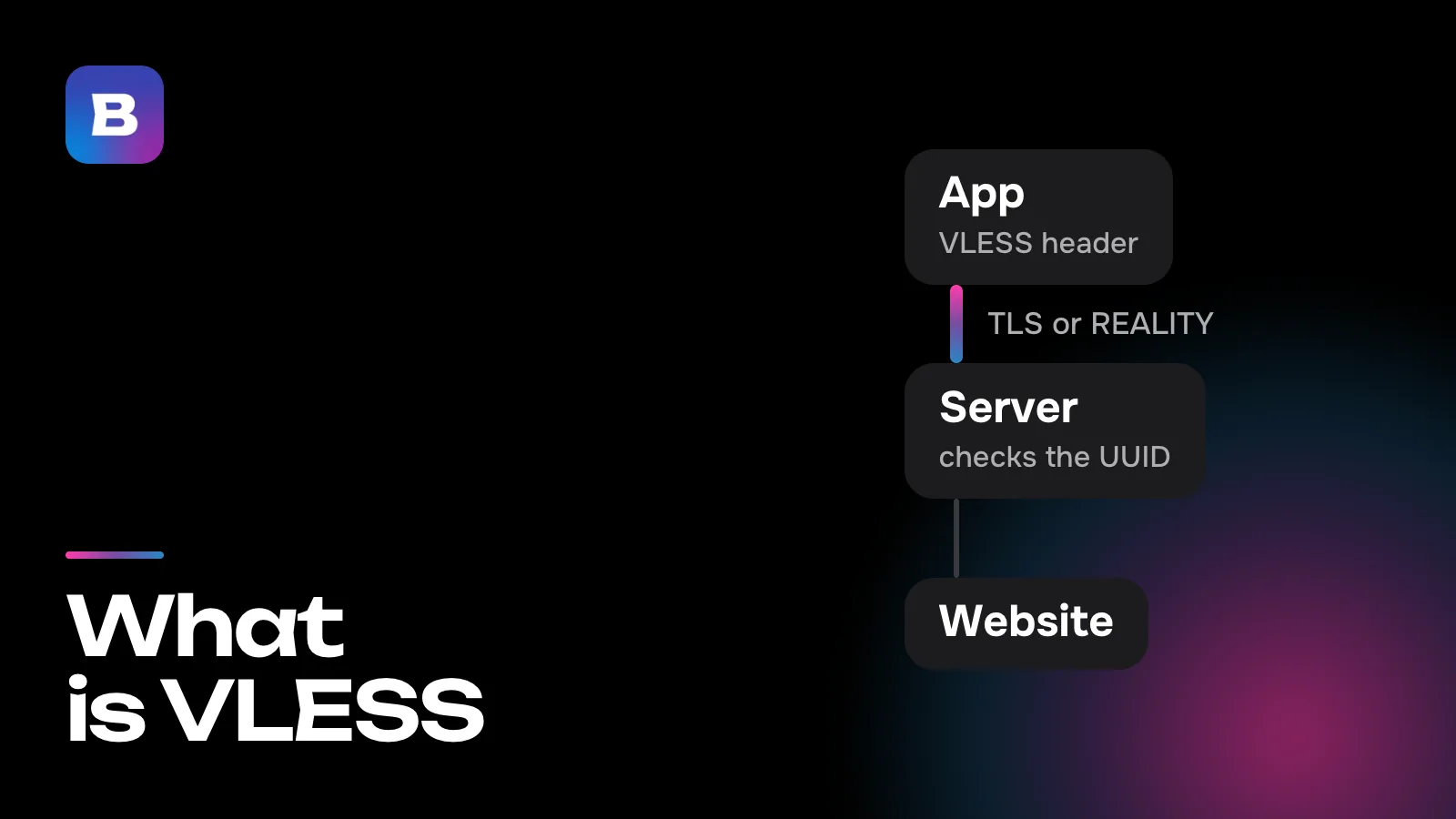
The connection runs on VLESS + REALITY, XHTTP, Hysteria2 and Shadowsocks. Which one to use and which route to take is up to the app.
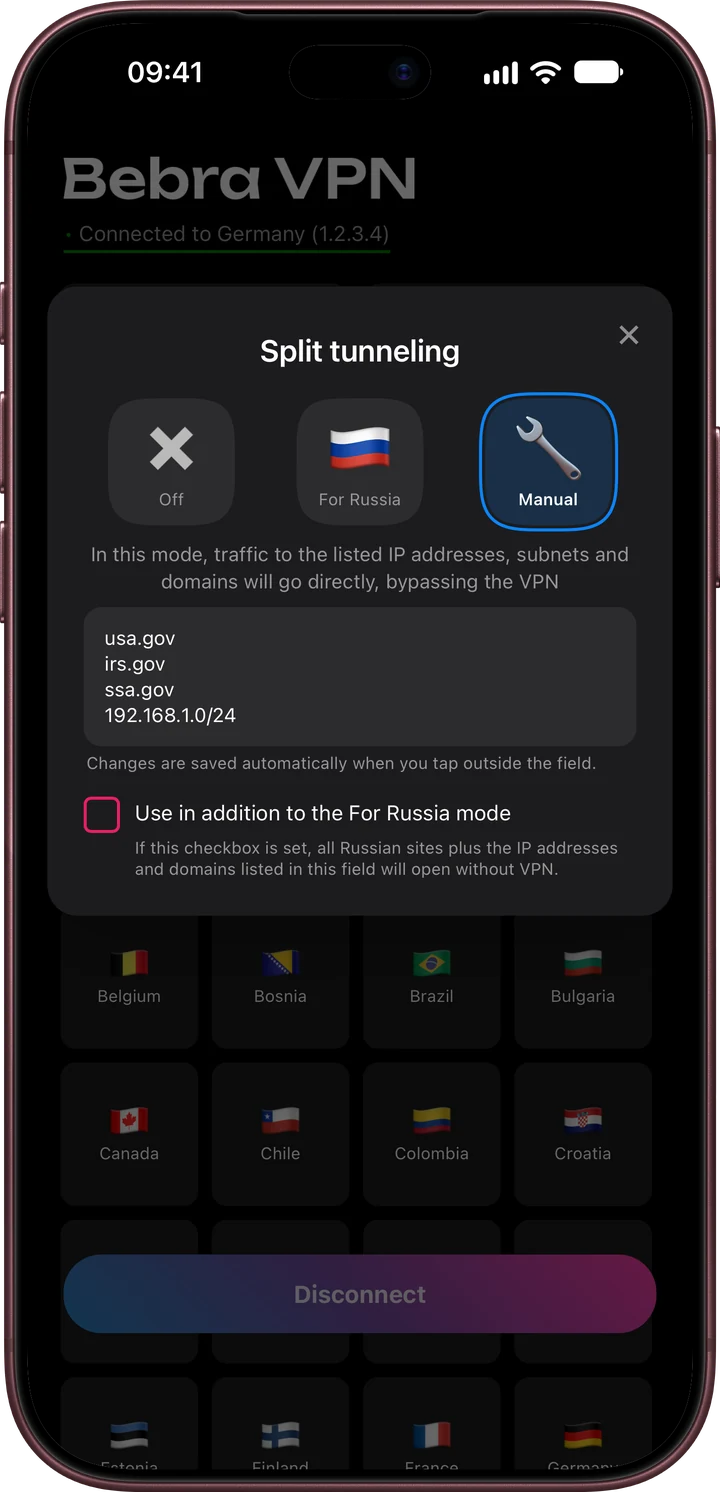
If something should skip the VPN, use split tunneling. Tap “Tunnel” at the top of the home screen and choose “Manual”. There you list IP addresses, subnets or domains, one per line, and they’ll connect directly. On Android you can also pick apps that bypass the VPN.
Every plan includes all 187 countries, and you can connect as many devices as you like. You can start with the trial for 10 ₽. 3 days of full access, then 500 ₽ per month. The subscription renews automatically.
Questions and answers
Does a browser proxy hide my IP address from every site?
Only from the sites you open in that browser. Other programs on your device go online directly and show your real address. A VPN changes the address for every program at once.
What’s the proxy option in my phone’s Wi-Fi settings for?
It’s an HTTP proxy for that one Wi-Fi network. Your browser and apps that read the system proxy settings use it, but it doesn’t apply on mobile data or other networks. It doesn’t add any encryption on its own.
What’s the risk with a free proxy from an online list?
You don’t know who runs it. In a 2018 study of open HTTP proxies, about one in twenty injected ads or tracking code into the pages it relayed or redirected people to malware pages. A list won’t tell you how a server like that pays for itself.
Why does my browser work through a proxy but an app doesn’t?
Many apps don’t read proxy settings or send part of their data over UDP, which a regular HTTP proxy won’t relay. A VPN works at the system level, so those apps usually go through it with no extra setup.
Is Bebra a proxy or a VPN?
A VPN. The app adds a VPN profile to your system, encrypts the traffic of the whole device and picks the protocol and route by itself. Your browser and other programs need no setup.